A virtual tour changes the viewer’s role. Instead of following a fixed sequence, they choose a direction, pause and move to the next viewpoint. Planning that experience is as important as capturing the individual panoramas.
Think in connected viewpoints.
A good starting point is a simple route through the space. Choose positions that help the visitor understand where they are and how to move on. Doorways, junctions and the main areas of a property usually need particular attention.
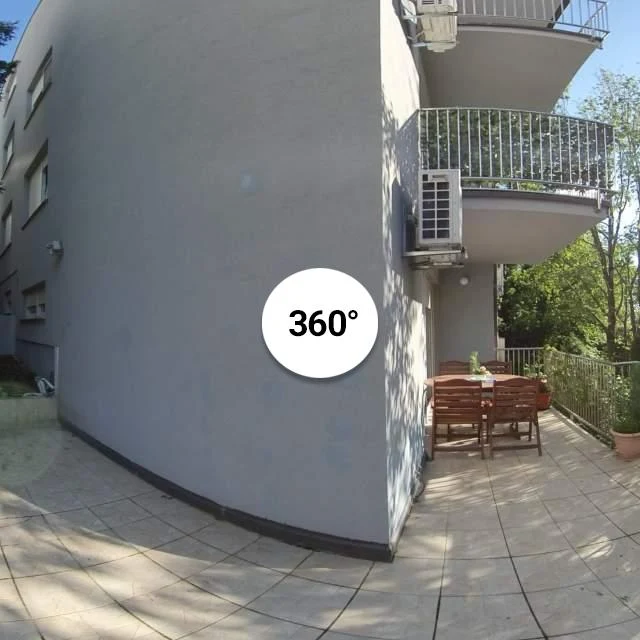
More viewpoints do not automatically make a clearer tour. Each position should add useful information or connect two areas. The property example in our portfolio includes 22 viewpoints, offering a practical way to explore how a connected tour feels.
Prepare for a camera that sees around itself.
A 360° panorama captures directions that would sit outside an ordinary photograph. Equipment, reflections and objects behind the camera all need to be considered. Arrange access to each area and plan a moment when people can step out of view.
The source images matter too. Standard photographs are useful for a gallery, but a spherical viewer needs suitable panoramic capture. Review the material at the start so the tour is built around images that can support the intended experience.
Make exploring feel simple.
Clear navigation points, a useful first view and a straightforward path back help the visitor stay oriented. Test on a phone as well as a larger screen: controls should remain easy to find without covering the space.
Place the tour alongside a short introduction and a direct next step. It can complement a photo gallery or film, while giving interested visitors time to investigate the parts that matter to them. Explore the portfolio example to try that change of perspective for yourself.
An illustrative article prepared for the Creative Solutions website preview. Images are from the supplied portfolio.